
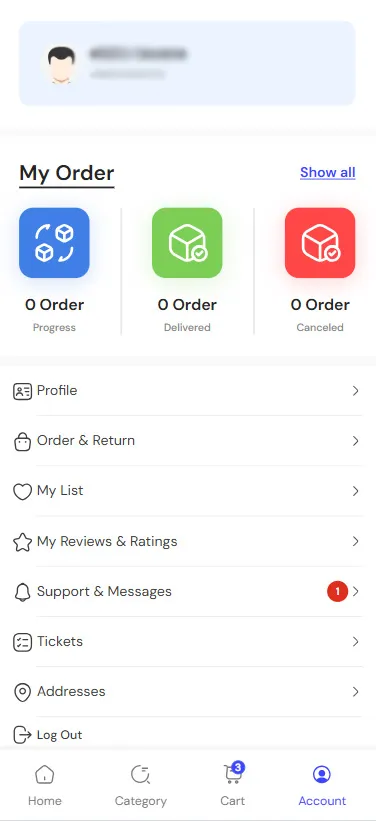
To delete your 4Sough account, first log in to your profile using your mobile number and password. Tap the
.Profile” section“
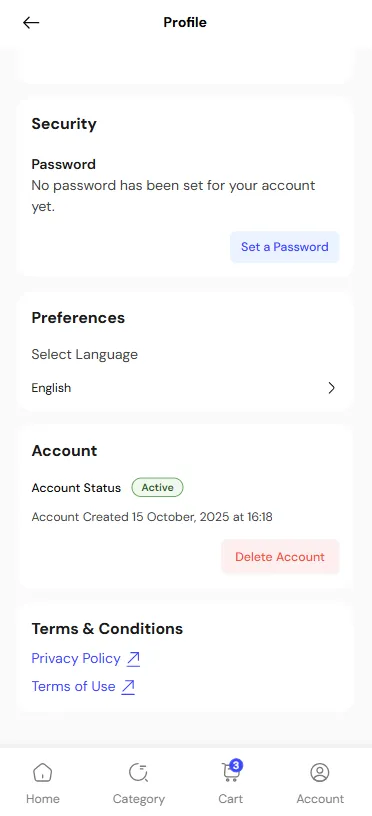
.Scroll down until you reach the “Account” section, then tap the “Delete Account” button
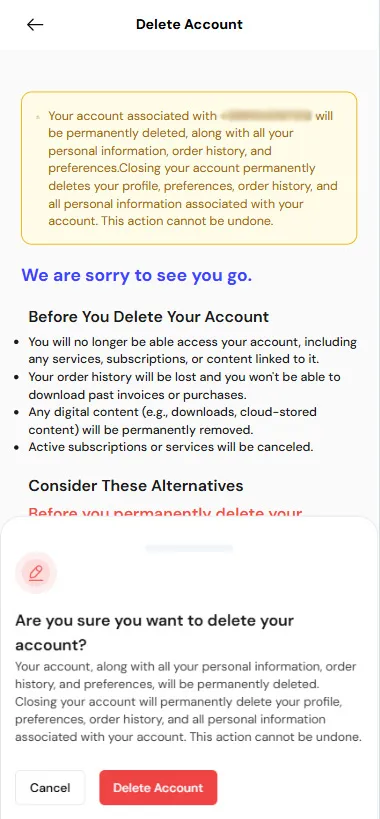
On the page that appears, read the information carefully. Please note that by deleting your account, your order
.history, saved content, subscriptions and services will be deleted and cancelled
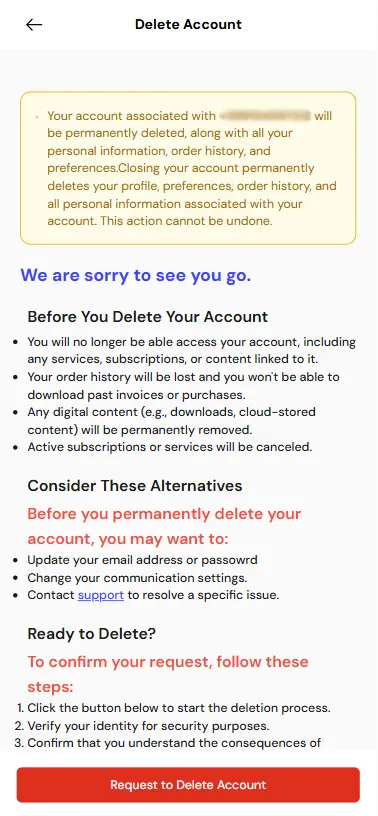
If you agree with the stated conditions, tap the “Request to Delete Account” button. When the confirmation
.question appears on the screen, select the same button again
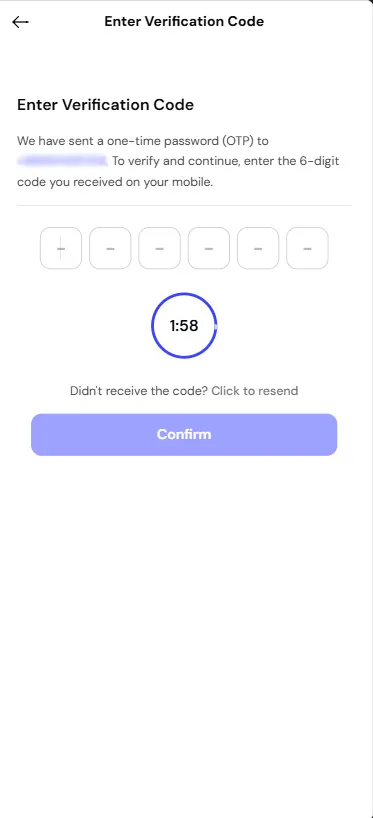
A six-digit code will be sent to your mobile number. Enter the code in the empty fields within the given time
.which is two minutes
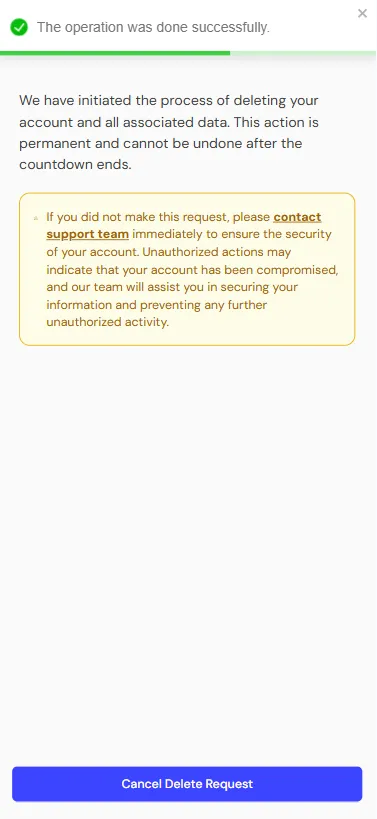
When the message “The operation was done successfully” appears, it means your 4Sough account has been
completely deleted. If you change your mind, you have 24 hours to cancel your deletion request by tapping
.”Cancel Delete Request“